
Onboarding and employee roles
Employee exit routes, accesses, checklists and task control.
Suitable for companies whose internal requests, documents, accesses, onboarding and service processes have grown faster than the tools to manage them.
Such projects are especially useful when applications and approvals live in the mail, and managers do not see the real workload, deadlines and bottlenecks of the team.
Employee exit routes, accesses, checklists and task control.
Requests to IT, HR and other departments with priorities, deadlines and owners.
Approvals, templates, internal instructions, history of changes and audit of actions.
For internal processes, it is important not only to quickly assemble an interface, but also to correctly design roles, access rights, logging, approvals and the outline of integrations with the company’s current infrastructure.
We build such systems so that it is easy for employees to work, for managers to see workload and deadlines, and for businesses to scale the process without expanding spreadsheets and chaos in correspondence.
We start with a map of roles and processes, then collect modules and accesses, integrate internal services and put the system into daily use using commands.
The composition of the modules depends on the maturity of the company and which internal processes are currently slowing down work the most.
Employee exit routes, access coordination and readiness checklists.
Queues of IT, HR and administrative requests, priorities and response patterns.
Internal forms, instructions, document versions and quick access to knowledge.
User roles, activity logs and a transparent picture of deadlines and workload.
The internal platform provides not only convenience to employees, but also real process control.
All applications and approvals are collected in one place and no longer get lost in correspondence.
HR and IT teams work on clear routes and do not waste time on manual reminders.
Managers see queues, delays and the real speed of task completion.
Projects where we automated documents, accounting, roles, internal interfaces and employee work lines.
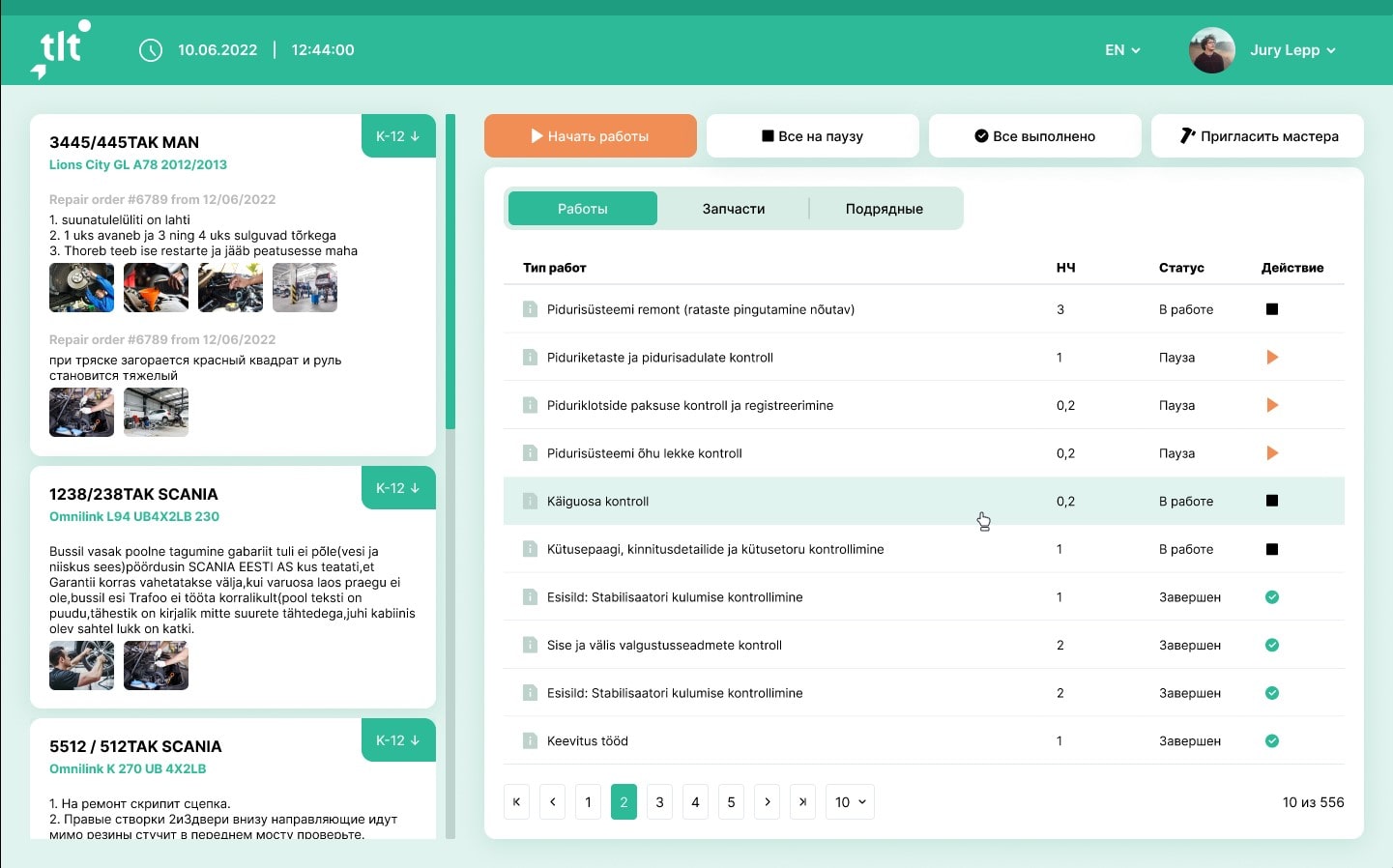
Frontend on React for automation of document flow and accounting in car services and dealership centers.
Learn more →
Photobank of road construction projects for a large company. Uploading and storing photos. Implementation in Django and React + Apollo.
Learn more →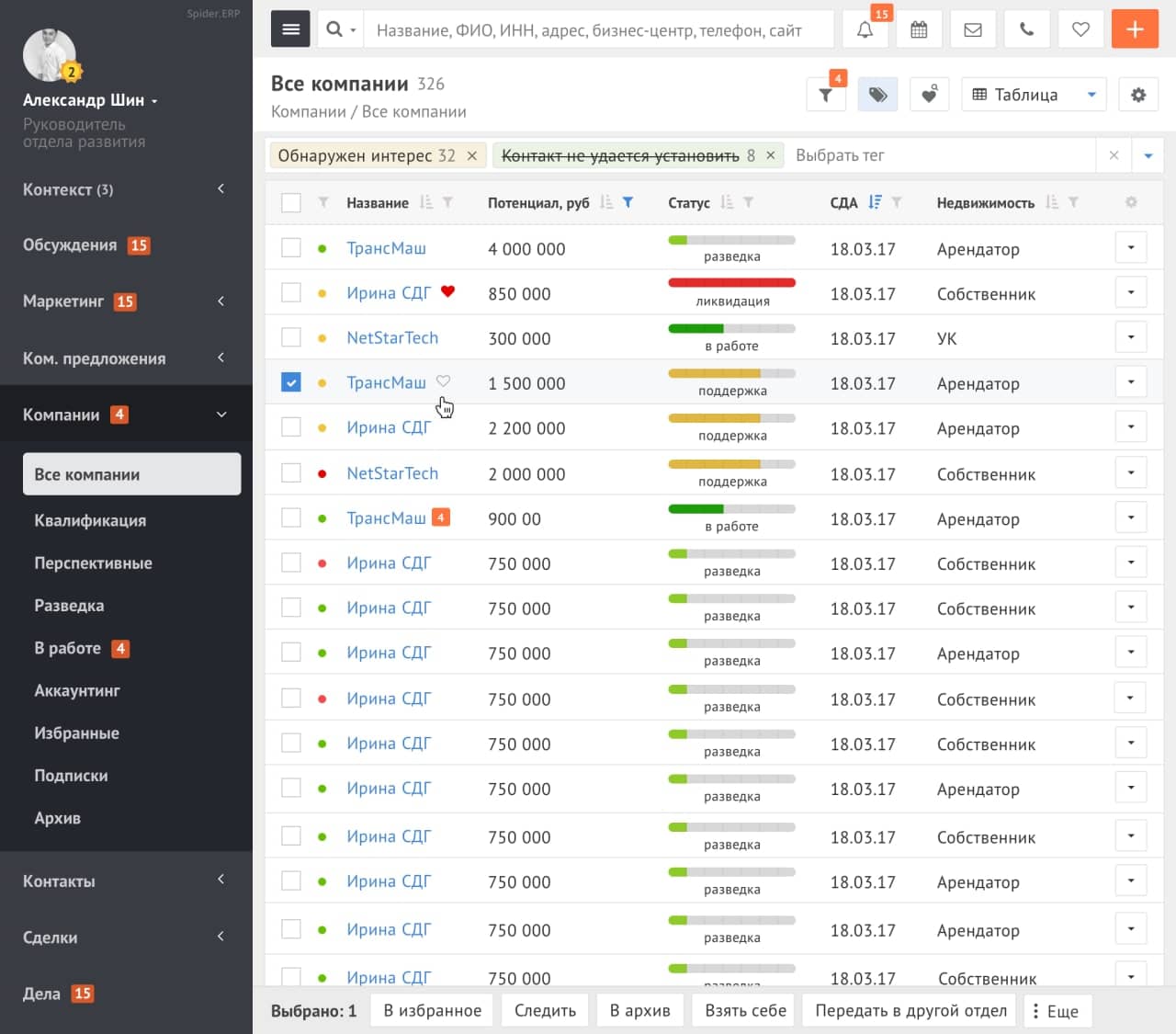
ERP platform with a Yii2 front-end: an aggregator of deals, calls, tasks and marketing channels. Modern interface, custom layout, business process automation.
Learn more →The project includes analysts, developers, designers, SEO and technical specialists with experience in real production tasks. Without randomly assembling roles and without “we’ll figure it out later along the way.”


